
Supported by EDGE AI FOUNDATION · Part of the Internet of Communities™
ArcroArts Animation System
intermediate
ExploreProjectsArcroArts Animation System

ArcroArts Animation System

ArcroArts Animation System is an in-house, cross-platform cutscene workstation and engine module that composites 2D cel animation, 3D virtual sets, audio cues, and alpha-channel video VFX live on console hardware.

milocharmingmagician
Published Nov 15, 2026
• intermediate 30 mins $0.00•hardwaresoftwaregamedevanimation
ArcroArts Animation System

Introduction

ArcroArts Animation System is an in-house, cross-platform cutscene workstation and game engine module built for real-time playback on console hardware. Instead of relying on static pre-rendered videos or slow build-and-compile loops, ArcroArts connects a dedicated 2D digital ink-and-paint pipeline directly to physical hardware. Artists can composite frame-by-frame 2D cel animation, real-time 3D virtual sets, synchronized audio cues, and alpha-channel video VFX live on console output.

YouTube

Prerequisites

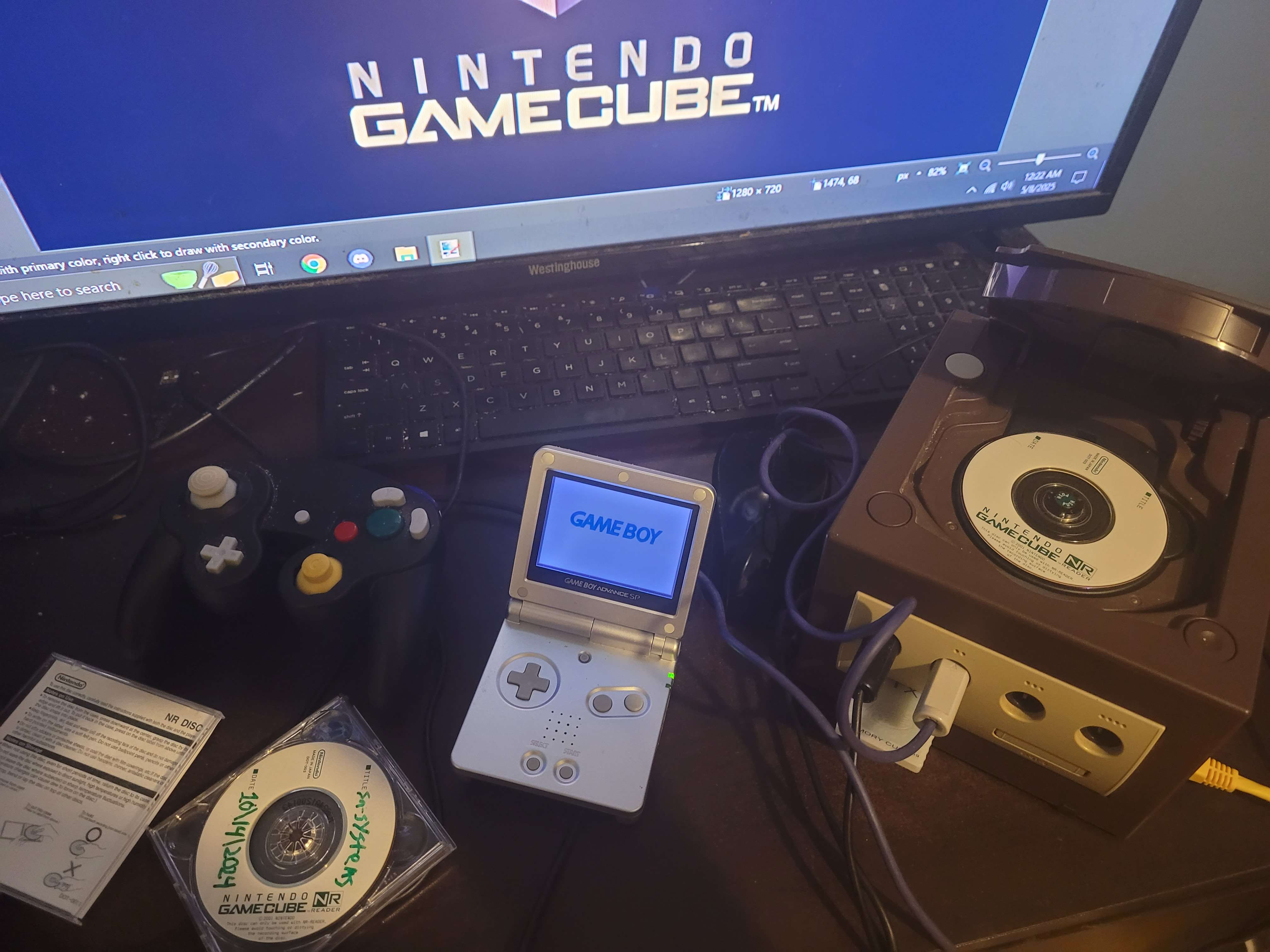
  • Local Network Configuration: A direct PC-to-GameCube Ethernet connection (or local router) with static IPs configured so the Broadband Adapter (BBA) links to the workstation.

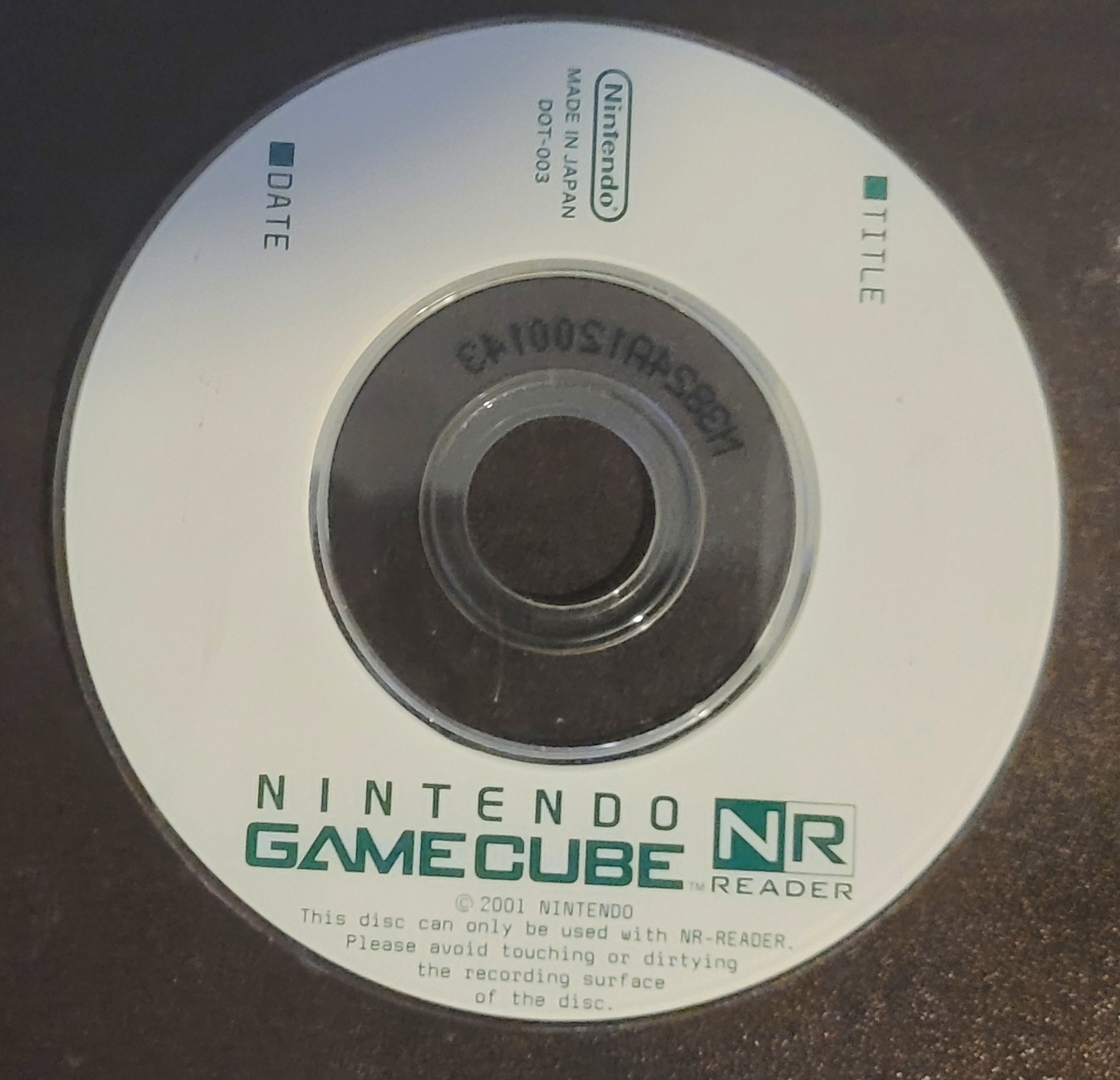
  • Console Boot Method: Ability to boot the included ArcroArts Boot Disc on your Nintendo GameCube.

  • Prepared Production Assets: Color-indexed 2D animation cels, 3D virtual set models, and CRIWARE-encoded CRI Soundbanks and Sofdec files ready for timeline import.

Parts List6 items
ComponentQtyNotes
Nintendo GameCube with BBA1-
ArcroArts Boot Disc1-
ArcroArts Software Package1-
Windows PC Workstation1-
Ethernet Cable1-
Dual Monitors separating PC and Console1-
SN-TDEV
Nintendo GameCube
NR-Disc
Boot Disc
1

Set Up

Connect the Nintendo GameCube Broadband Adapter (BBA) directly to your Windows PC workstation using an Ethernet cable, and route the console's video output to your secondary monitor. Insert the ArcroArts Boot Disc and power on the console to initialize the runtime client, then launch XS on your PC and confirm the GC/PC CONNECTED status appears in the top toolbar.

The Software package comes with XS, Scan, Celpaint, Celcomp, etc.

2

Build

Draw, ink, and color your 2D character animation frames inside the ArcroArts paint celpaint tool, exporting color-indexed assets. Load your exported frames into the XS exposure sheet (X-Sheet) at 24fps, then add your 3D virtual set geometry, plot dynamic camera tracks, and attach synchronized CRI Audio cues and alpha-channel video VFX layers.

3

Verify

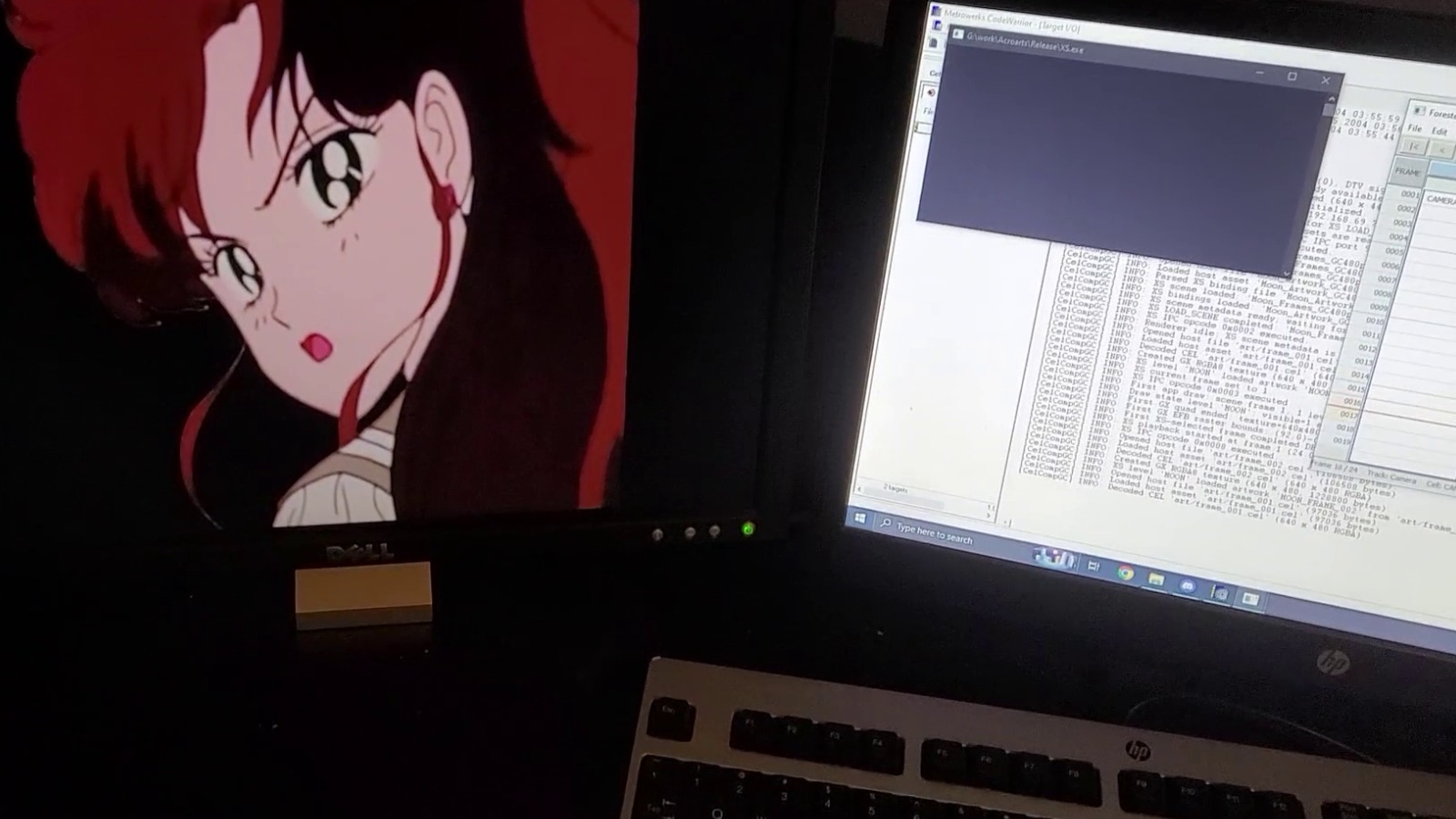
Press Play in the XS timeline to begin streaming IPC commands, camera matrices, and decoded cel textures over Ethernet directly to GameCube memory. Check the workstation terminal log to confirm clean texture decoding without buffer stalls, and verify on your secondary monitor that the 2D cels, 3D virtual set, alpha VFX, and CRI Audio play back in frame-accurate sync.

Testing & Verification

Trigger playback in XS and monitor both outputs simultaneously:

  • IPC Terminal: Confirms clean opcode execution, asset binding, and texture decoding without buffer stalls.

  • Console Display: Outputs crisp 2D cel animation layered seamlessly over 3D virtual geometry, with alpha VFX and CRI Audio.

What's Next?!

ArcroArts Animation System bridges classic frame-by-frame 2D cel animation with real-time 3D console hardware in a single, zero-compile workflow. Next milestones include expanding cross-platform runtime clients beyond GameCube, adding real-time shader lighting passes to ground 2D cels inside 3D virtual sets, and optimizing Ethernet payload compression for heavier multi-layer scenes.

Community

Building custom game engines, console dev tools, or hybrid 2D/3D animation pipelines? Share your thoughts, questions, or feedback in the comments below—we'd love to see what you build and trade notes on live hardware workflows!