

commonpub.io blog
Fixing a project's HTML explainer on screen and handing it off as one link
I'm building NOS: fix the text of a project explainer right on the page, then share it as a link that stays the same after edits.
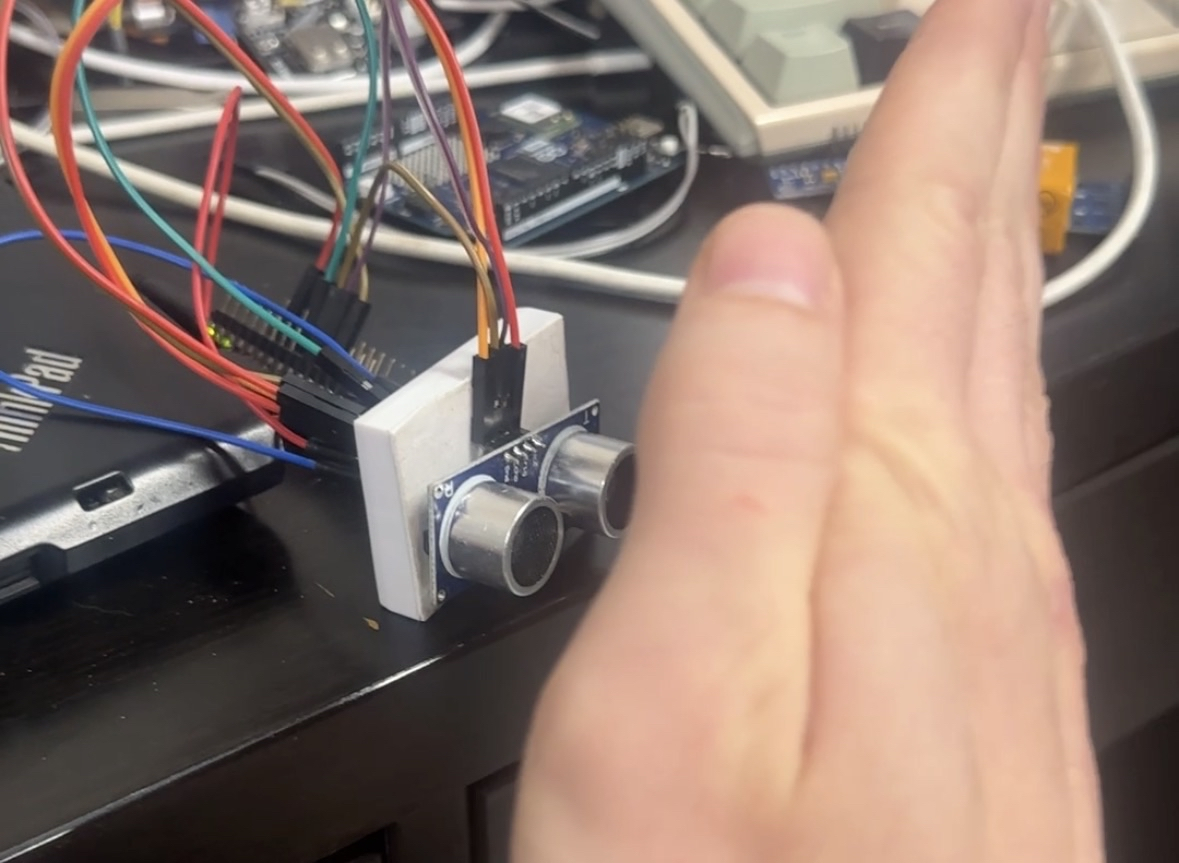
I make a musical instrument with a speaker & ultrasound sensor
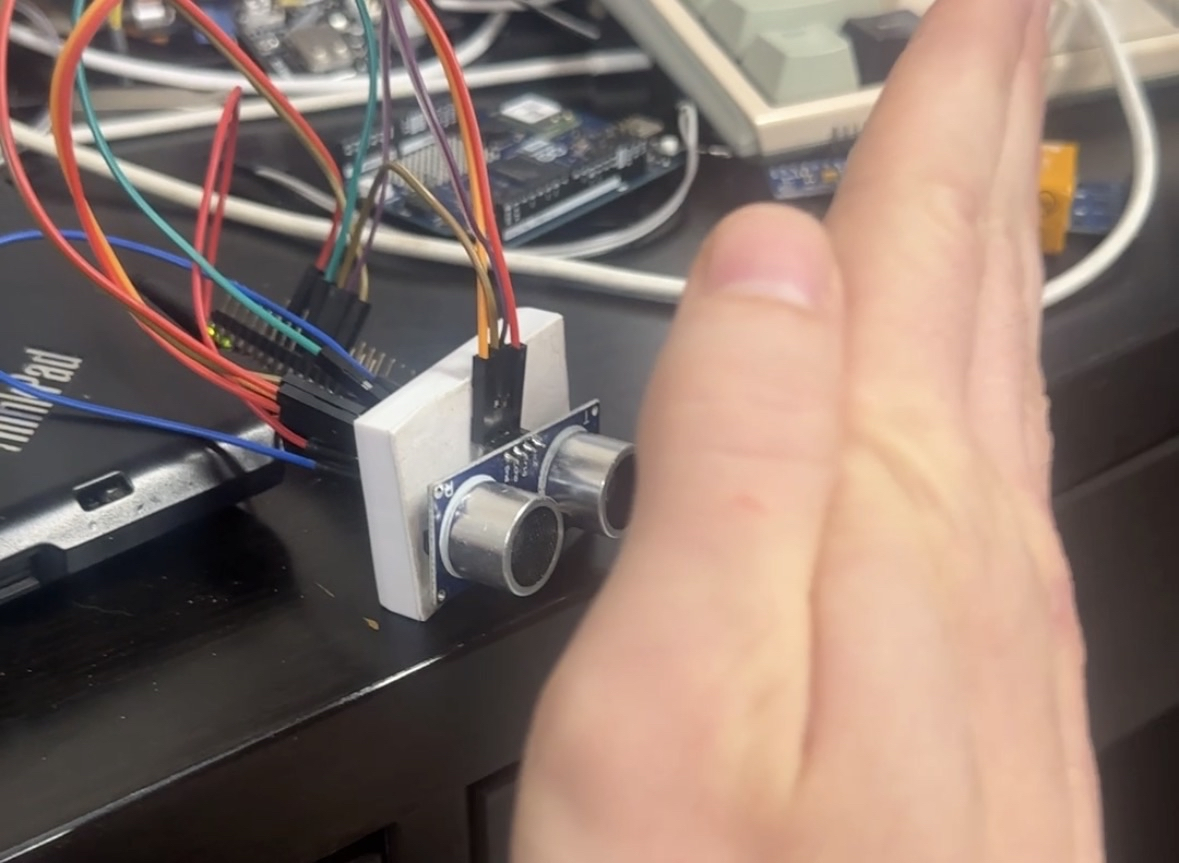
This is a very simple project. I wanted to be able to move my hand to change the pitch. Here is the project in its physical form:
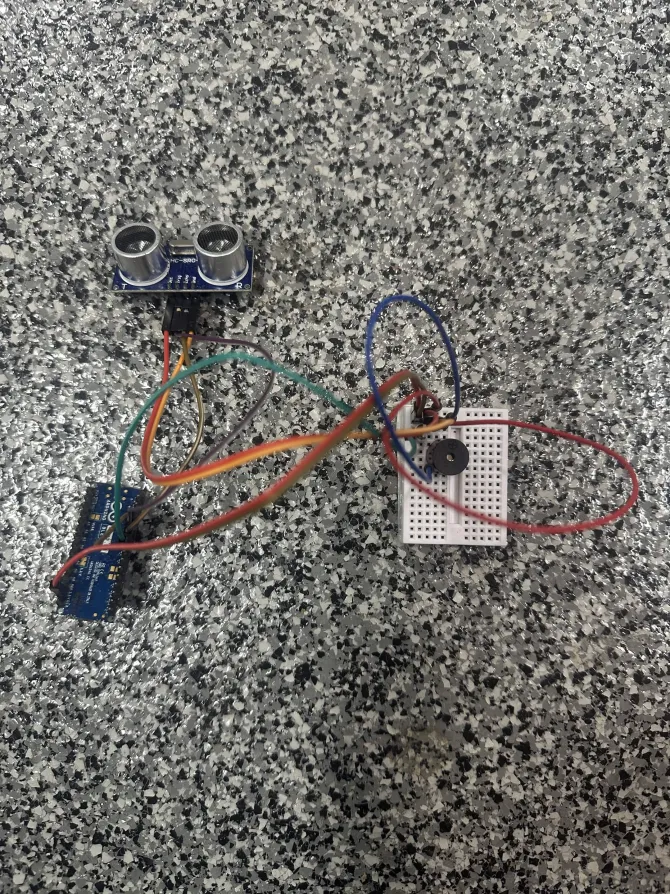
This is how we setup & calculate the distance from the ultrasound sensor:
void setup() {
	pinMode(D2, OUTPUT); // trigger
	pinMode(D3, INPUT);  // echo
	Serial.begin(9600);
}

void loop() {
	digitalWrite(D2, LOW);
	delayMicroseconds(2);
	digitalWrite(D2, HIGH);
	delayMicroseconds(10);
	digitalWrite(D2, LOW);

	duration = pulseIn(D3, HIGH);
	distance = (duration*.0343)/2;
}
And here are the values for the C-major scale which we can pass to tone:
int notes[] = {262, 294, 330, 349, 392, 440, 494, 523};Here is the code for the whole project:
#define LENGTH(x)  ((int)(sizeof (x) / sizeof *(x)))

int notes[] = {262, 294, 330, 349, 392, 440, 494, 523};
float duration, distance;
int n, m;


void setup() {
	pinMode(D2, OUTPUT); // trigger
	pinMode(D3, INPUT);  // echo
	Serial.begin(9600);
}

void loop() {
	digitalWrite(D2, LOW);
	delayMicroseconds(2);
	digitalWrite(D2, HIGH);
	delayMicroseconds(10);
	digitalWrite(D2, LOW);

	duration = pulseIn(D3, HIGH);
	distance = (duration*.0343)/2;

	tone(D4, notes[((int)(distance/4))%LENGTH(notes)]);
	char buf[128];
	sprintf(buf, "%0.02f %d\n", distance, ((int)(distance/4))%LENGTH(notes));
	Serial.print(buf);
	delay(100);
}
And here are the results!
Log in to comment.
I'm building NOS: fix the text of a project explainer right on the page, then share it as a link that stays the same after edits.

Struggling to learn PCB design? Here is how Fedevel Academy’s beginner course helped me finally bridge the gap between messy breadboards and professional, manufactured hardware.

My thoughts on a lack of engineering leadership
 keenan johnson
No comments yet. Be the first!